



Why RadarOpus?
Welcome to RadarOpus, the worldwide expert in homeopathic software innovations. Join us on a journey to unlock your full potential as a homeopath with our state-of-the-art toolkit, designed to elevate every facet of your clinical practice.
The only software with

Click any of the icons below to find out how RadarOpus can potentise your practice.
Content • Repertories • Materia Medica • Modules • Library • Collaborators
Fast interface on Windows & Mac
More than 80 Repertories
More than 1.600 Materia Medica & Documents
Synthesis Repertory
(only in RadarOpus!)
More than 10 Modules from Key Authors
Veterinary options
Synthesis App
Fully fledged privacy settings
Translations in 14 languages
Clificol - case collection
Help - support - learning
Prices starting at €4 per month
One interface for everything
.png)
Largest homeopathic library

RadarOpus Software boasts the world's most extensive Homeopathic Library, conveniently at your fingertips. With just a click, you have instant access to an expansive repository of repertories, keynotes, provings, materia medica, journals, and clinical cases.
Read more
Synthesis - precise - flexible
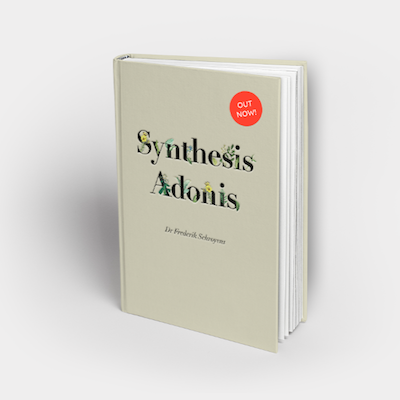
Diverse analysis modules

Updated Veterinary Edition
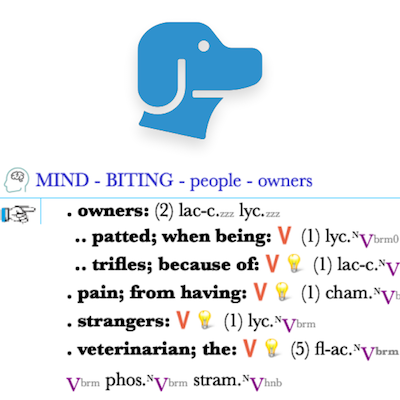
Synthesis Adonis features a new wave of Veterinary additions from the team of Marc Bär. Navigate to the veterinary symptoms easily through the Concepts directory which links you to straight to the desired location!
Read more
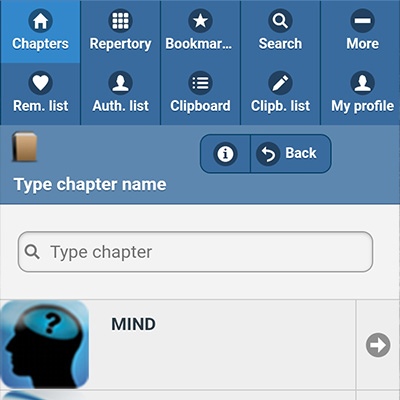
Synthesis App - repertorise on the go
Professional privacy settings

Multilingual content

RadarOpus is multilingual and available in 14 languages! Synthesis has 9 different languages which can be viewed side-by-side; the perfect teaching tool for worldwide webinars.
Read more
Clificol - case collection

Help - support - learning

Packages and Prices
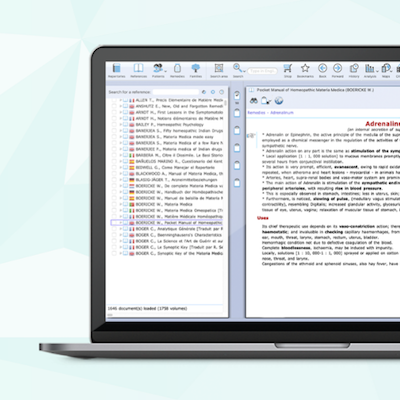
View the packages and rental prices for RadarOpus. It couldn't be easier - simply select the perfect package for your needs. Whether you’re a beginner or experienced Homeopath, we have the right software solution for you!
Read more